












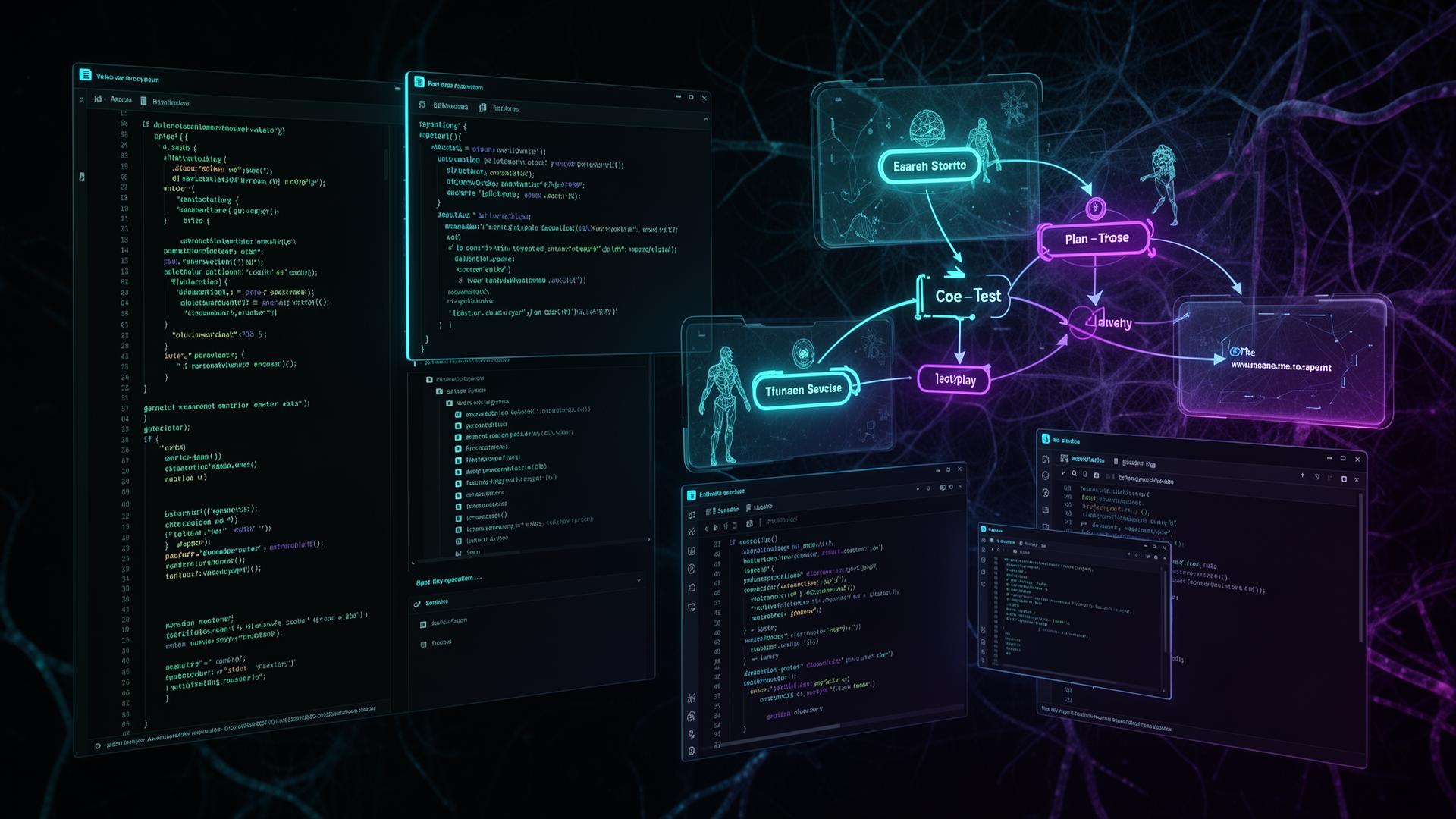
What Claude Code's Workspace Agent Actually Is
Claude Code[5] started as an internal agentic coding tool at Anthropic and has evolved into a full agent loop that runs within your terminal or editor and connects to your team's workspace. Conceptually, you are not just "chatting with a model"; you are giving an AI a workstation hooked into your repo, shell, and tooling[2]. For team and enterprise deployment details, see Anthropic's official announcement on Claude Code for business plans[1].
Key Characteristics
Agentic, Not Just Generative
Claude Code can iteratively read files, propose plans, edit code, run commands, observe results, then loop until tests pass or tasks complete[6]. This is different from simple "autocomplete" because it reasons across multiple steps and tools. See Anthropic's guide on autonomous workflows[6] and our AI development approaches for enterprise applications.
Workspace-Aware Usage
Anthropic's Workspaces documentation[4] explains how they group API keys, usage, and team members under dedicated tenants, so Claude Code runs within a governed organizational context. Admins can control which repos and environments are linked, and what MCP servers, tools, or file systems Claude can see[1][4].
Multi-Agent by Design
Claude Code supports subagents and specialization[8]: you can define distinct agents for tasks like backend APIs, frontend UI, tests, or docs, all coordinated inside one workspace. For multi-agent orchestration, explore Claude Code Agentrooms[9] and the community subagent library[11].
The result is an AI "developer" that operates inside your workspace, using your development stack, under your team's controls. For comprehensive guidance on building agents, see Anthropic's Agent SDK documentation[2]. For organizations looking to implement enterprise-grade AI solutions, our AI-powered enterprise development services can help streamline the process.
How Workspaces Fit In (Team & Enterprise)
Anthropic's Team Workspaces announcement[7] and VentureBeat's enterprise analysis[7] explain how enterprise-oriented workspaces make Claude and Claude Code deployable at scale. The workspace model[3] defines how credentials, data, and collaboration behave around the agent.
Structure of Claude Workspaces
Workspaces are logical containers for[3][4][7]:
Members & Roles
Each workspace is a dedicated tenant with its own membership, roles, and access policies[3][7]. Users share access to models, Claude Code seats, custom prompts, and configured files. See managing workspaces guide.
Billing & Usage
All Claude and Claude Code usage within a workspace is billed centrally[7][3]. Admins can view usage analytics, including lines of code accepted and suggestion acceptance rates[1].
API Keys & Environments
Workspaces let you organize API keys by project, team, or environment (e.g., "Prod", "Staging", "R&D")[4][7]. A default workspace exists for every organization and cannot be removed.
Data Isolation
Workspace data (chats, uploads) is stored in tenant-specific encrypted containers, separated from Anthropic's model training environment[3]. Default retention is around 90 days.
Team Workspaces: Collaboration & Compliance
Team Workspaces extend this into collaborative use with multi-user collaboration where multiple developers share the same workspace[3], accessing common prompts, templates, and sometimes shared project context. This avoids each developer "training" the agent in isolation. For teams looking to build custom enterprise applications, our enterprise software development services can integrate Claude Code workflows.
For Claude Code, this means your coding agents run with organization-approved data handling and auditability, including the new Compliance API[1][3] that exposes usage and content for auditing. Review the Anthropic Trust Center for detailed security certifications and compliance information.
Core Capabilities of the Claude Code Workspace Agent
Within workspaces, Claude Code acts as a general-purpose coding and digital work agent with a computer[5][2]. The design principle is to give Claude the same tools that engineers use. According to Anthropic's best practices guide[10], this approach significantly improves code quality and developer productivity. For detailed settings and configuration, see the Claude Code settings documentation.
File System Access
Read, create, and edit files in your project for large refactors, scaffolding, or migration changes
Terminal Execution
Run shell commands to install dependencies, execute tests, run linters, and start dev servers
Project-Wide Search
Search through codebases, configs, docs, and logs to understand architecture and locate components
Multi-Agent Workflows
Define specialized subagents for backend APIs, frontend UI, tests, docs: all coordinated in one workspace
Git Integration
Use git worktrees and branches for parallel Claude sessions without merge conflicts
Checkpoint Controls
Stop after each major step, review diffs, and decide whether Claude should proceed autonomously
Agentic Loop: Plan → Act → Observe → Refine
Claude Code is built around iterative loops, not single-shot answers[6][2]. Best practices recommend starting by asking Claude to read relevant files and plan before it writes code[10]. See Anthropic's guide on autonomous workflows[6] for checkpoint controls:
Read files, analyze, plan
Write code, run tests
Read output, analyze
Iterate until done
This loop is what makes it viable for larger tasks such as "implement this feature end-to-end" rather than just generating snippets. For more on AI-powered development workflows, see our guide on AI-powered apps in 2026.
Integration with Team & Enterprise Plans
The "workspace agent" only becomes truly operational when wired into business plans and workspace governance.
Seat Types and Access
Standard vs Premium Seats
Premium seats include both Claude (chat) and Claude Code (coding agent) under one subscription, enabling seamless flow from ideation to implementation. Admins can mix seat types based on roles.
Flexible Usage Controls
Each seat comes with enough usage for a typical workday. Administrators can enable extra usage at standard API rates and set per-user spending caps and workspace-level limits.
Admin Controls, Policies, and Compliance
- Managed policy settings: Centrally enforce tool permissions, file access restrictions, and MCP server configurations
- Compliance API: Expose usage data and content for audit trails and governance
- Usage analytics: View metrics like lines of code accepted, suggestion acceptance rates, and usage patterns
Typical Workspace Use Cases
Within a workspace, Claude Code is used for more than "generate function X." It becomes a workhorse for different stages of the software lifecycle.
Feature Development & Refactors
Developers describe desired behavior, architecture constraints, and acceptance criteria. Claude reads relevant files, proposes a plan, and implements code and tests.
- • Greenfield features with full implementation
- • Large-scale refactors across many files
- • Migration projects (library upgrades, auth flow changes)
Research, Data Work & Documentation
Claude can structure research documents, summarize findings, maintain evolving notes, and generate visualizations.
- • Deep research and note organization
- • CSV processing and metric computation
- • Script generation for visualizations
Multi-Repo & Multi-Environment Scenarios
Different workspaces for production, staging, or experimental environments keep secrets separated while giving Claude Code access only where needed.
- • Environment-specific workspace isolation
- • Polyrepo organization support
- • Subagent specialization per repo or domain
Best Practices Inside a Workspace
Anthropic's best-practices guidance for Claude Code is particularly relevant when it runs in shared team workspaces.
The "Explore, Plan, Code, Commit" Workflow
Explore
Ask Claude to read relevant files or directories and summarize how things work, explicitly instructing it not to write code yet.
Plan
Have Claude generate a step-by-step plan for modifications, including test strategy and risk notes. Review and adjust before authorizing edits.
Code
Let Claude implement changes in small, reviewable batches, running tests or linters after each batch via hooks. Use checkpoints to inspect diffs.
Commit
Once satisfied, manually commit or let your automation commit with proper messages. Keep human review in the loop for critical changes.
Workspace Structure Best Practices
workspace/
├── CLAUDE.md          # Core config: conventions, tone, safety rules
├── WORKSPACE.md       # Branch-specific instructions, merge guidelines
├── prompts/           # Reusable prompts for common tasks
├── research/          # Notes, summaries from explorations
├── plans/             # Task plans and breakdowns
├── tasks/             # Checklists, sub-tasks
└── commands/          # Custom slash commands (.claude/commands)
Use git worktrees to create isolated environments for parallel Claude sessions[1][3]. Create with: git worktree add ../project-feature-a feature-a. This enables experimentation without main branch pollution.
For more advanced workspace tooling, see the Dev Workspace community tool[13] for shaping, building, storing and revealing context, and Sidetool's workflow guide for team collaboration patterns.
Security, Governance & Risk Management
For any workspace-wide AI agent, security and governance are critical. Claude Code's design is intertwined with Anthropic's workspace model and admin tooling, and enterprise teams should also align their configurations with independent frameworks like OWASP's Top 10 for LLM Applications. Review the Anthropic Trust Center for comprehensive security certifications and compliance information.
Data Isolation
- • Tenant-level isolation with encrypted containers
- • Separation from model training
- • Configurable retention (default 90 days)
Operational Controls
- • Audit logs via Compliance API
- • Policy enforcement for tools/files
- • Spending and capacity controls
For organizations in regulated industries, our HIPAA compliance guide and enterprise software development resources provide additional security considerations.
Relationship to Cowork & Non-Developer Workspaces
Anthropic has begun extending Claude Code's agentic model beyond pure coding with Cowork[12], a preview feature that lets Claude organize, create, and edit documents when you give it access to your files.
Key Points
- Shared agentic philosophy: Cowork leverages Claude Code's underlying capabilities (file access, editing, multi-step workflows) for general productivity tasks like research and document authoring[12][2]
- Unified workspace story: A single workspace could host both development agents (Claude Code) and knowledge workers' agents (Cowork) under consistent governance[12][3]
For enterprise deployment strategies, see Claude Code's enterprise deployment overview and security best practices for enterprise. For teams exploring AI-driven productivity across their organization, see our AI chatbot development and marketing automation services for complementary solutions.
How Frenchy Digital Helps You Implement Claude Code
Implementing Claude Code at enterprise scale requires more than just signing up for a plan. It demands careful architecture, security configuration, workflow design, and team enablement. Frenchy Digital provides end-to-end implementation services to ensure your organization maximizes ROI from Claude Code while maintaining security and compliance.
Workspace Architecture & Setup
Design optimal workspace structure for your organization: environment separation, role-based access, and API key management.
Security & Compliance Configuration
Configure managed policies, Compliance API integration, audit logging, IAM integration, and data retention aligned with your requirements.
Custom Subagent Development
Build specialized subagents tailored to your stack: backend APIs, frontend frameworks, testing strategies, and documentation standards.
Workflow Standardization
Implement 'explore-plan-code-commit' workflows, CLAUDE.md templates, hooks, and team-wide best practices.
Team Training & Enablement
Hands-on training sessions, documentation, champion programs, and ongoing support to maximize adoption and ROI.
CI/CD & Tool Integration
Connect Claude Code with GitHub/GitLab, Jenkins, automated testing, SAST/DAST pipelines, and your existing dev tools.
Our Implementation Approach
We work with your team to understand your stack (languages, frameworks, mono- vs polyrepo, IDE preferences) and create a tailored workspace + Claude Code setup plan with concrete conventions, subagents, and policies that fit your environment.
Frequently Asked Questions
Key Takeaways
Claude Code Is a Full Agent
It plans, edits, runs, and debugs across multiple steps, interacting with your environment like a junior developer. Treat it as a collaborator whose work is reviewed.
Workspaces Are the Operational Backbone
They manage who can use Claude Code, what they can access, and how it is billed and audited. Getting workspace setup right is as important as agent configuration.
Subagents Unlock Real Power
Design subagents and multi-agent workflows tailored to your stack. Curating a shared library of subagents can materially increase productivity across the organization.
Security Must Be Explicit
Use managed policies, Compliance API, and workspace retention settings to align Claude Code with internal security and compliance requirements.
Standardized Workflows Increase ROI
Teams that adopt shared patterns like "explore → plan → code → commit" and treat Claude Code as a first-class participant in their SDLC see sustained gains.
Sources & References
- Claude Code and new admin controls for business plans - Anthropic
- Building agents with the Claude Agent SDK - Anthropic Engineering
- Claude AI Team Workspaces: Collaboration, Billing, and Data Retention - DataStudios
- Workspaces Documentation - Claude Docs
- Claude Code Overview - Claude Code Docs
- Enabling Claude Code to work more autonomously - Anthropic
- Is Anthropic's new 'Workspaces' feature the future of enterprise AI management? - VentureBeat
- Create custom subagents - Claude Code Docs
- Claude Code Agentrooms: Multi-Agent Development Workspace
- Claude Code: Best practices for agentic coding - Anthropic Engineering
- Awesome Claude Code Subagents - GitHub
- Introducing Cowork - Claude Blog
- Dev Workspace: An advanced Claude Code tool set - Reddit r/ClaudeCode
- Claude Code Module - Coder Registry
- Anthropic Trust Center - Security & Compliance
Ready to Transform Your Development Workflow?
Let Frenchy Digital help you implement Claude Code's workspace agent with enterprise-grade security, custom subagents, and team enablement.
